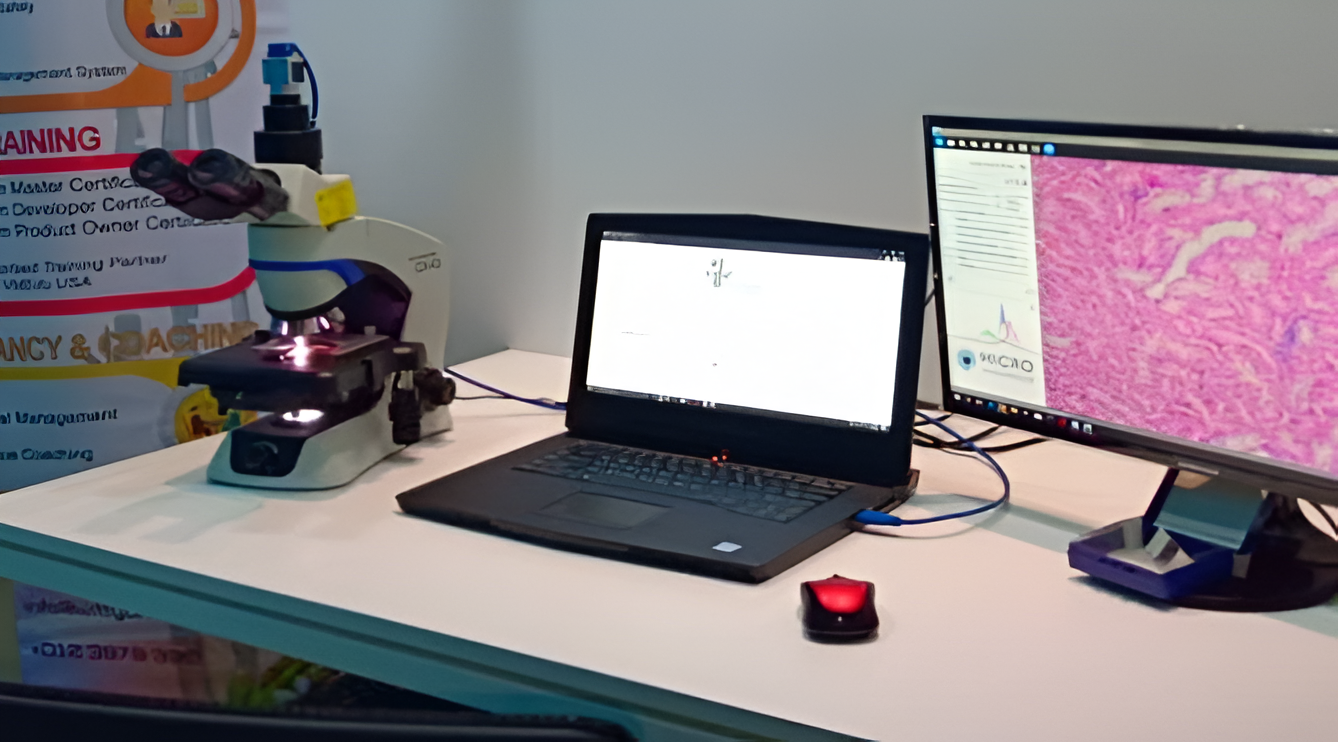
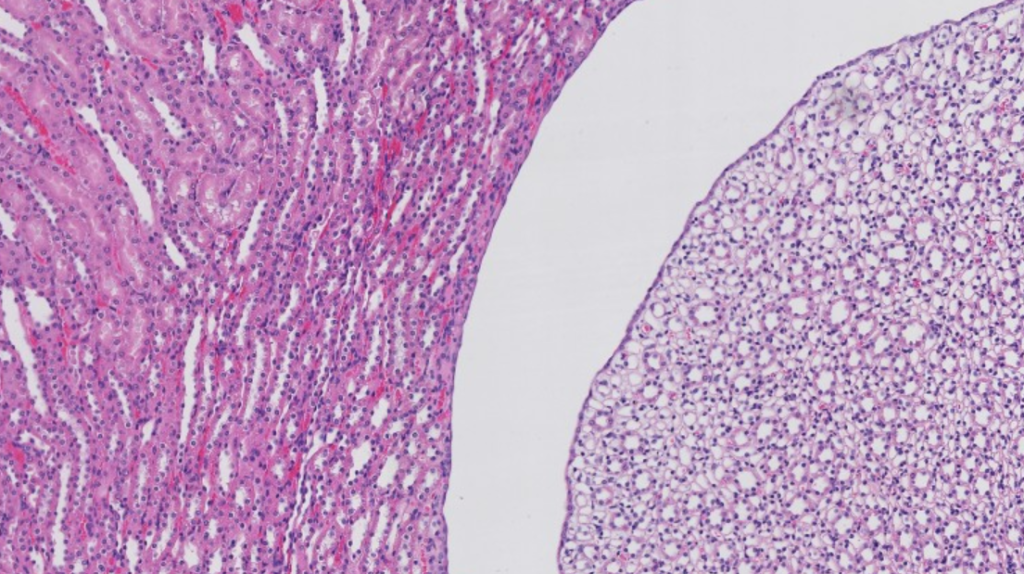
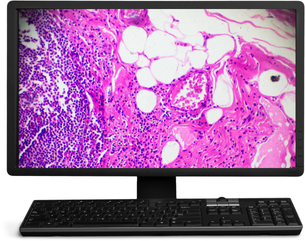
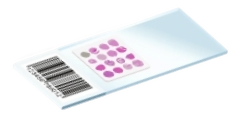
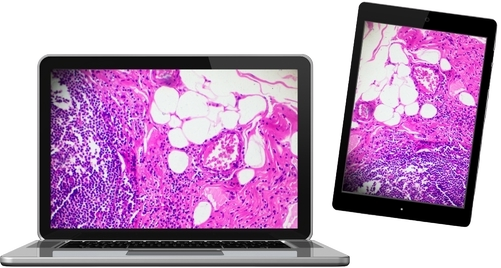
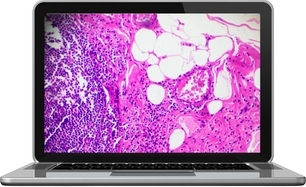
Whole slide imaging (WSI), the most recent imaging technology adopted by Pathology departments globally, transforms conventional glass slides into HD digital slides through scanning.
The WittyViz™ system enables efficient digitisation of pathology slides and offers a secure portal, ensuring adherence to doctor–patient confidentiality, to facilitate effortless data sharing to aid in collaborative case reviews along with simplified data storage, retrieval, and analysis.
Whole Slide Imaging
High-resolution digitisation of pathology slides
Secure Portal
Ensure data security and doctor-patient confidentiality.
STEP-by-step guide
How to Scan a Slide?
Watch the video to learn how to scan a slide using DigiPath.
1. Attach
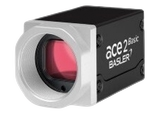
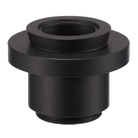
Attach the Microvisioneer camera to your microscope
2. Start
Align it, press start and move around your specimen.
3. Scan
The image is automatically extended in real time and fast!
Save Time. Save Money. Same Images.
Full Scan
First Zoom
Second Zoom
Third Zoom
Fourth Zoom
Explore Different Zoom Levels
Features
Powerful Features for Seamless Digital Pathology
DigiPath brings advanced technology and simplicity together, enabling efficient, secure and collaborative pathology workflows.
Established DigiPath software (Alrize)
A reliable platform trusted by pathology experts.
Unlimited cloud storage
Store and access slides securely, anytime , anywhere
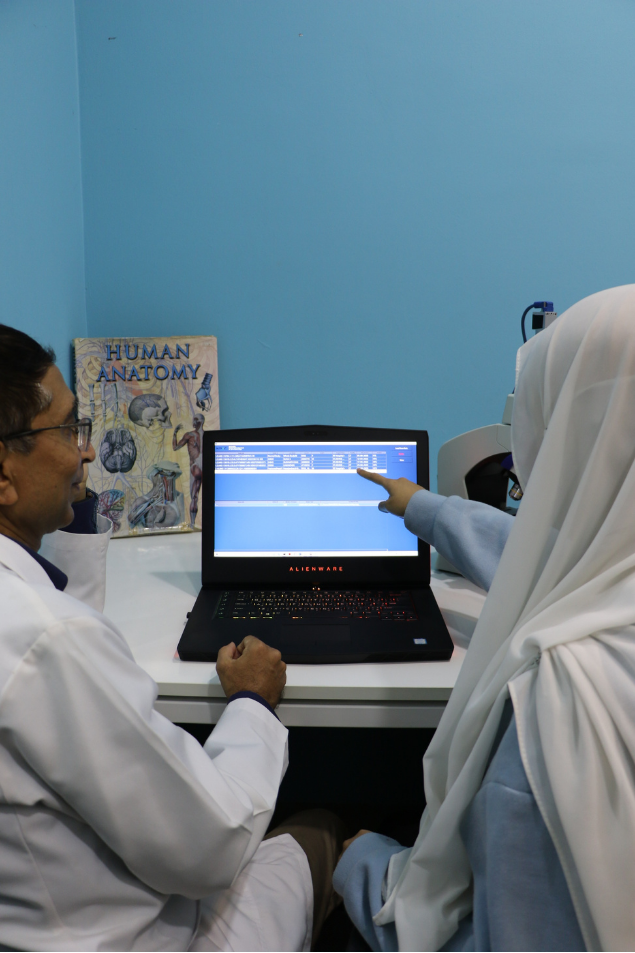
Easy remote access
View anytime, anywhere, on any device
Easy to learn
Support provided with tools & platforms
Link sharing
Confidential and secure, only for you and your team
Microscope-Level Magnification
Zoom up to 40x with crystal-clear detail.
Seamless Zoom Control
Smooth and responsive viewing experience.
Accurate Measurements
Perform precise measurements with ease.
Benefits at a Glance
Smarter Pathology. Greater Impact.
DigiPath helps pathologists, institutions and researchers work smarter, save time and create a greater impact in healthcare.
Save Time
Faster diagnosis and reporting
Reduced Cost
Optimised resources and storage
Greater Collaboration
Connect with experts globally
Preserve original slides
Maintain digital records for future reference.
Simplified cross consultation process
Seek expert opinions effortlessly.
Standardised Viewing
Consistent high-quality visualisation for all users.
Maximise Productivity
Streamline workflows and focus on what matters.
Affordable
Cost-effective digital pathology solution.
Supports Education and Research
An ideal platform for learning and innovation.
Step-by-step
From Slide to Share in 6 Simple Steps
Transform your glass slides into Digital insights – quickly , securely and effortlessly with DigiPath.
Prepare the Slide
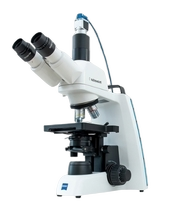
Place the original slide on the microscope and set up the trinocular system.
1
Launch Software
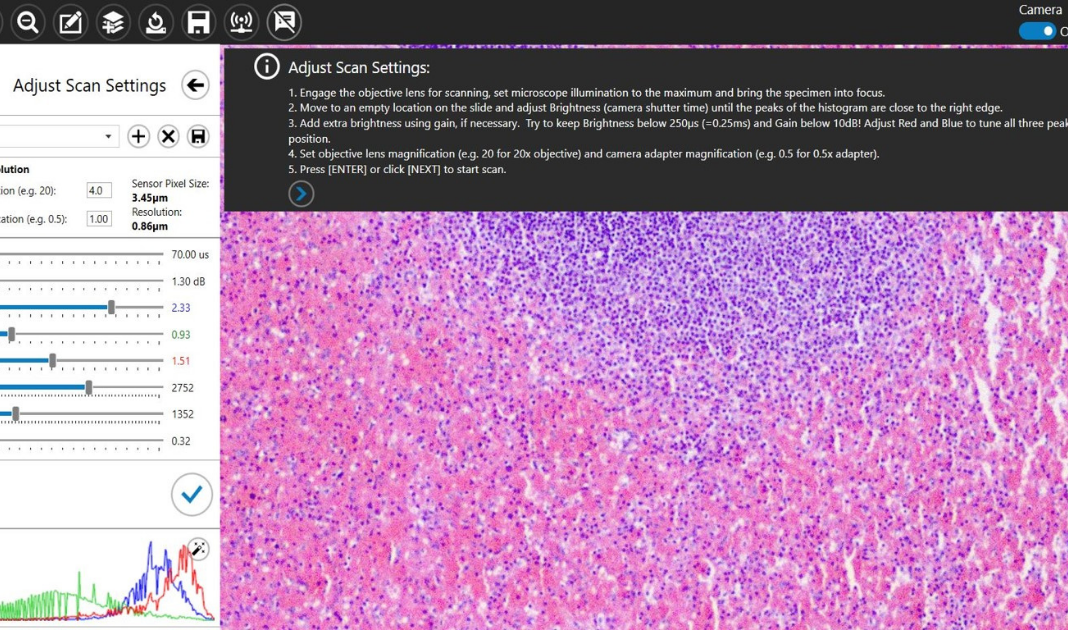
Open the digital pathology software (Alrize for DigiPath)
2
Scan the Slide
Begin scanning- the image is automatically captured in high resolution.
3
Save to Cloud
Save the scan and upload to secure, cloud-based storage.
4
Share with Your Team
Generate a secure link and share with colleagues or experts.
5
View Anywhere
Access and view scans anytime, anywhere, on any device.